


General FAQs
To contact our Support team, you can either:
How Do I Contact Support? Is There a Support Email Address?
To contact our Support team, you can either:
- Submit a support ticket through our support form:
https://createaiart.zendesk.com/hc/en-us/requests/new - Type "Talk to Human" in the AI Chatbot to have your conversation escalated to a human support agent.
Please include your account email, a detailed description of the issue, and any relevant screenshots or payment receipts (if applicable) to help us investigate your request as quickly as possible.
Can I Change the Email Address on My Account?
No. At this time, email addresses cannot be changed on an existing account.
If you no longer have access to your old email address, you can create a new account. Support may be able to transfer your remaining Gems to the new account after verifying ownership. Please contact Support for assistance.
How Long Does My Generation History Stay Available?
Your Generation History stores your recent creations for up to 48 hours. If you want to keep a creation permanently, be sure to save it to your account before it expires from your History.
How Do I Reset My Password?
Createporn does not use a traditional password system and does not offer password recovery. You sign in using your email account.
If you're unable to access your account, you'll need to reset your email account password with your email provider. For example, if you use Gmail, click "Forgot password?" on the Google sign-in page and follow the recovery steps.
Once you've regained access to your email account, you can sign in to Createporn again.
Can I Make My Creations Private?
No. At this time, creations cannot be made fully private.
If you prefer more privacy, you can set your profile to anonymous, but your individual creations cannot be hidden or set to private.
Related Article
Do You Have an App Available on the App Store or Play Store?
No, Createporn currently does not have a mobile app available for download on the Apple App Store or Google Play Store. At the moment, our platform is only accessible through the website.
Can I Use Createporn.com on Multiple Devices?
Yes. You can sign in to your account on multiple devices using the same account. Your saved creations, subscriptions, and available Gems are linked to your account and will be available wherever you sign in.
Can I Recover an Image I Accidentally Deleted?
Once a creation has been permanently deleted from your account, it cannot be restored.
If you believe your creation disappeared due to a technical issue rather than being intentionally deleted, please contact Support as soon as possible so we can investigate.
Related Articles
Does Clearing My Browser Cache Delete My Creations?
No. Your creations are stored in your account, not your browser cache. Clearing your browser cache or cookies only removes locally stored website data.
As long as you sign back into the same account, your saved creations will still be available.
Are There Any Other Ways to Get Free Gems?
Yes. In addition to purchasing Gems or receiving them through a subscription, you can earn free Gems by participating in community activities:
- Join our weekly Prompting Contest on Discord for a chance to win Gems. All participants receive 10,000 Gems, with larger prizes awarded to the top entries.
- Suggest a Contest Theme. If your theme is selected, you'll receive 50,000 Gems.
- Participate in five consecutive Prompting Contests to earn an additional 50,000 Gems reward.
Related Articles
Tips on Winning the Weekly Contest and Earn Gems
What Should I Do If a Failed Generation Doesn't Refund My Gems?
If your generation fails but your Gems are not refunded automatically, please submit a support ticket and include the following information:
- A screenshot of your Generation History showing the failed generation.
- The email address associated with your account.
- A brief description of what happened.
Once we receive your request, we'll review the generation logs and refund your Gems if applicable.
Related Articles
Common Subscription & Payment Issues
Can I have Multiple Createporn accounts?
Yes, you may have multiple accounts. However, we generally do not encourage it, as managing multiple accounts can make it more difficult to keep track of your subscriptions, Gems, purchases, and saved creations. For the best experience, we recommend using a single account whenever possible.
Do You Offer an API?
No. At this time, we do not offer an API for external integrations, applications, or automated workflows.
How do I change the website language?
To change the website language, click the current language displayed in the footer (for example, English, Deutsch, Español, or another language). A language menu will appear where you can select your preferred language.

How Do I Create an Account Without a Gmail Address?
You do not need a Gmail address to create an account.
Our platform uses Google Sign-In, and Google allows you to create a Google Account using your existing email address, such as Yahoo, Outlook, ProtonMail, or another email provider.
To create a Google Account with your current email address, follow Google's guide:
https://support.google.com/accounts/answer/27441
Once you've created your Google Account, return to the website and sign in using Continue with Google.
How Can I Use the AI Agent?
The AI Agent can help answer common questions about moderation, image and video generation, payments, subscriptions, accounts, and general troubleshooting.
If your issue requires further investigation or admin assistance, simply type "Talk to Human" in the chat. Your issue will be escalated to a human support agent for review.
The AI Agent cannot optimize, rewrite, or suggest prompts. If you need help improving your prompts, please visit the Prompts discussion channel on our Discord server or contact a human Support agent.
Related Article
How Do I Download an Image or GIF?
To download your creation:
- Open the image or GIF you want to download.
- Click More.
- Select Download to save the original file.
If the Download button isn't working, on Desktop, right-click the creation and select Save As. On Mobile, press and hold the creation until the menu appears, then select Save Video. Please note that GIFs on mobile can only be saved if they are your own creation.
If you're still unable to download your creation, please contact Support.
Why Does It Say “Your Image Is Ready, Your Network Is Hiding It”?
This message means your image generated successfully, but your current network may be blocking access to the image host.
This can happen due to your ISP, DNS settings, VPN, ad blocker, browser extension, or antivirus protection.
Try switching to a different network or mobile data, changing your DNS, disabling blockers temporarily, or using another browser.
If the issue continues, please contact Support for further assistance.
How Do I Change the Website Theme?
You can change the website appearance at any time from your User Menu.
- Click the profile icon in the top-right corner.
- Find Appearance in the menu.
- Choose your preferred theme:
- Dark
- Light
- Classic
The website will switch to the selected theme automatically.
Why Does My Like/Save Heart Appear Unselected After Going Back?
After liking or saving a creation, you may notice that the heart appears unselected or the count returns to its previous number when you go back to the feed.
Your Like/Save will still be recorded even if the heart status or count does not immediately appear updated in the feed. You can open the creation again to check whether it shows as Saved.
If the creation is no longer showing as Saved, please contact Support with the creation link and a screenshot so we can review it.
Why Am I Being Asked to Complete Age Verification?
Age verification requirements may vary depending on the location you're accessing the website from, rather than your citizenship or country of residence.
For example, users accessing from certain countries, such as UK or Russia, may encounter different age verification requirements due to regional requirements or availability.
If age verification is required in your current location, please follow the verification instructions provided on the website. If your verification method or documents aren't supported, please contact Support for assistance.
Why Am I Getting a Google “Authorization Error” (Error 400: origin_mismatch) When Switching Sites?
If you see a Google Authorization Error (Error 400: origin_mismatch) when switching to another site, this may be caused by the Google sign-in pop-up.
What to do:
- Close the Google sign-in pop-up if it appears.
- Use the main Sign In button directly on the website instead.
- Avoid signing in through the pop-up when switching between sites.
.Where can I find my Liked creations?
Your Liked creations are now available inside Albums.
To find them:
- Open Albums.
- Select the Likes album.
- All creations you’ve liked will appear there.
- You can use the Search albums bar to search within your albums.
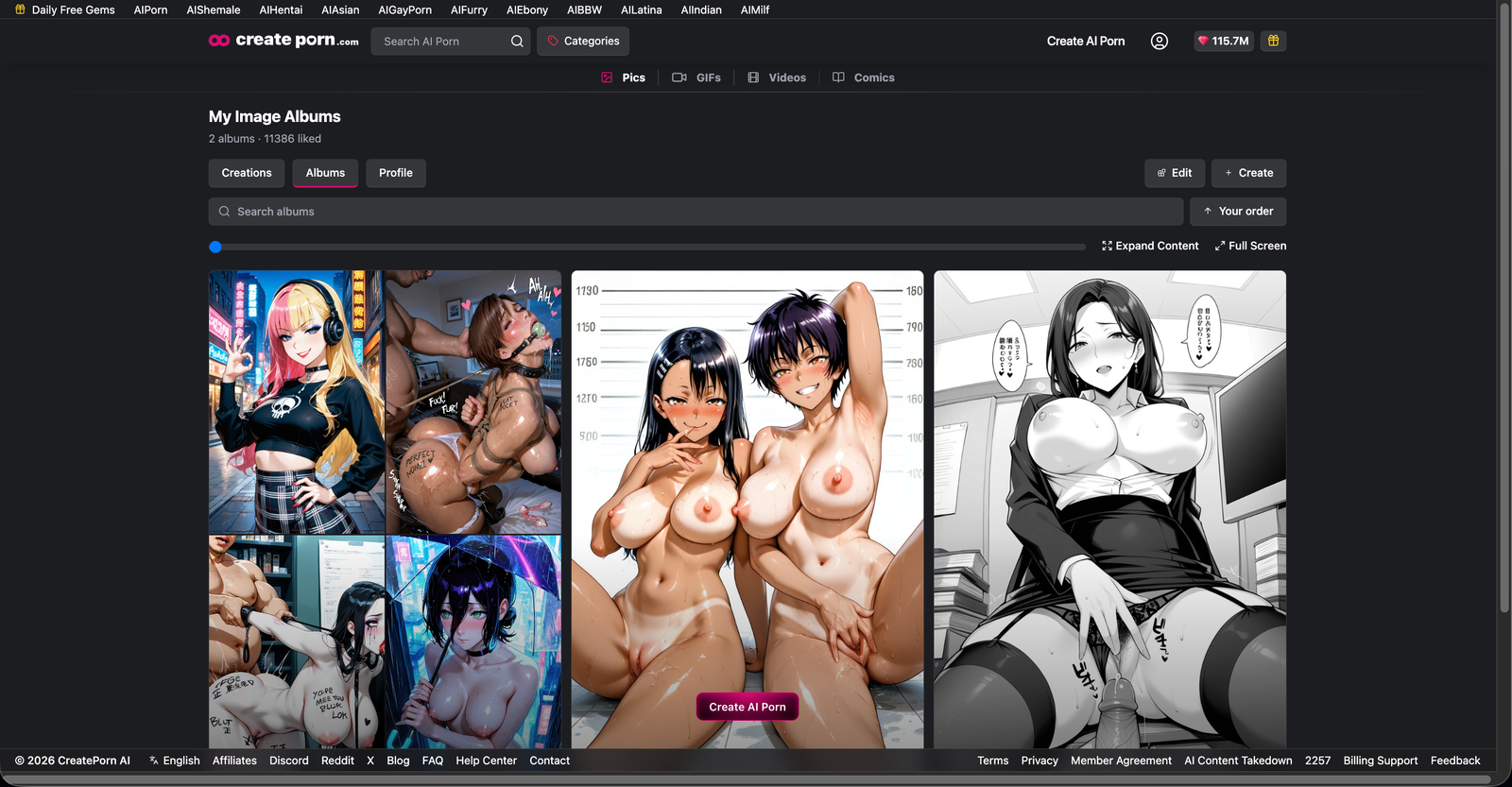
Note: Likes are no longer located under your Profile. If you previously used the Profile → Likes section, please use Albums → Likes instead.